Project Overview
Conductor is an AI-driven enterprise platform that helps companies optimize their digital presence by unifying SEO, AI engine optimization (AEO), content creation, and website intelligence in one place. The website showcases the full product suite, illustrating how Conductor’s platform functions as a unified workflow rather than a collection of siloed tools.
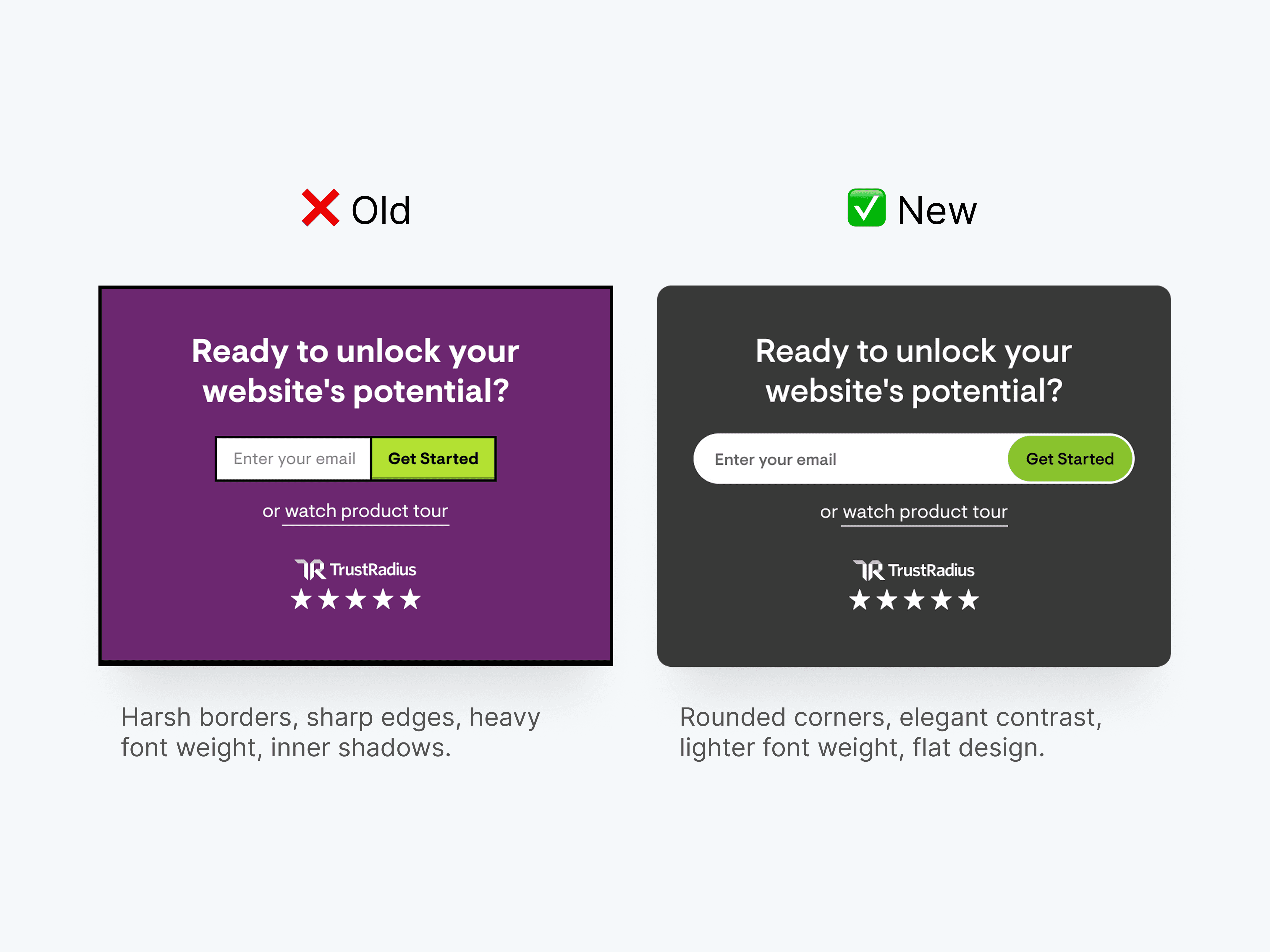
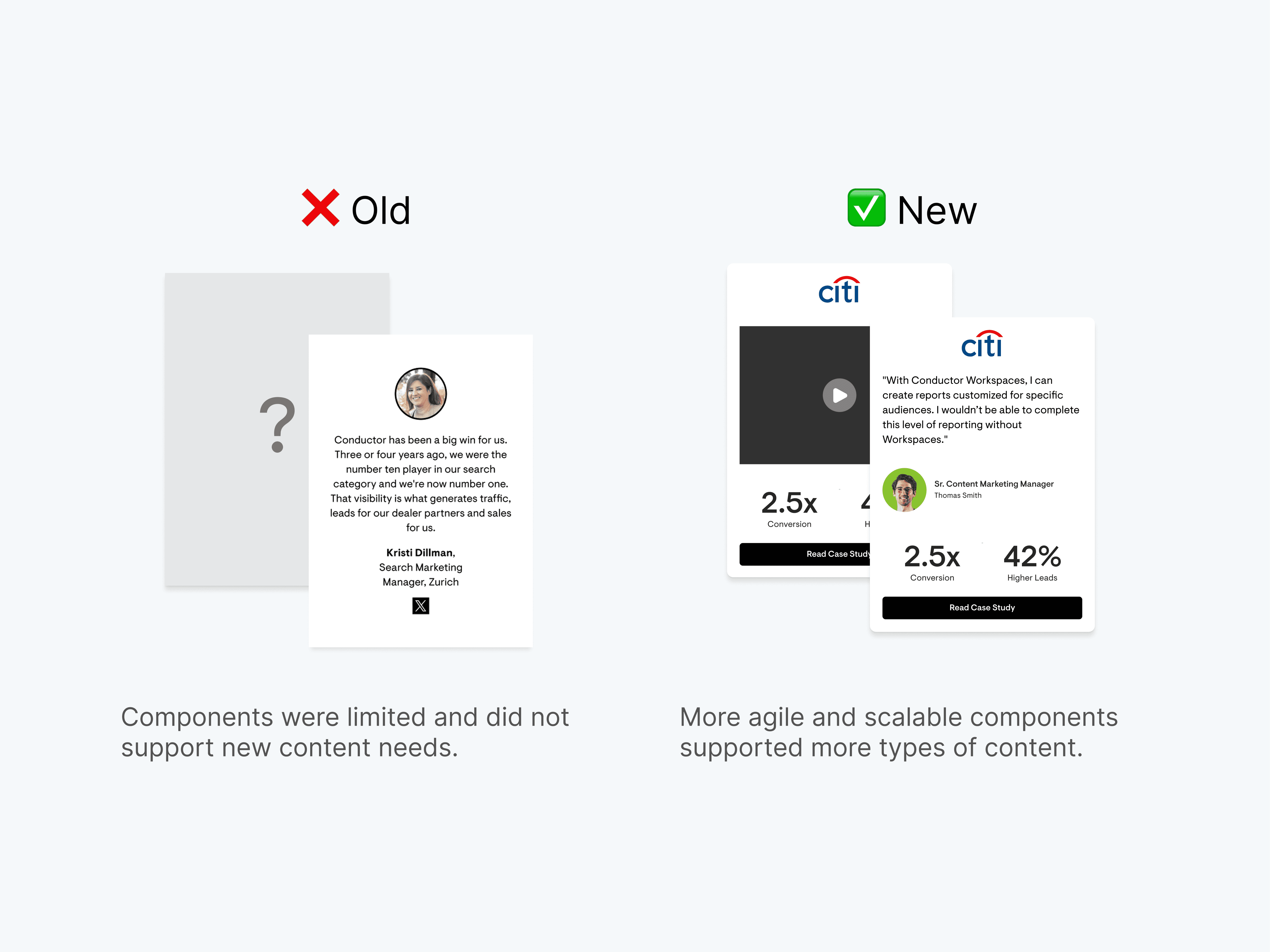
I redesigned Conductor’s website to reflect its new positioning as an AI-first platform and drive stronger conversions through a more focused, results-oriented design.
The Challenge
Stakeholder and customer feedback revealed that Conductor’s website felt outdated, unengaging, and disconnected with the company’s new AI-led positioning.
Goals 🎯
Implement a visual redesign at scale
Improve usability, engagement, and conversion rates
Better target Conductor’s enterprise audience and AI-first brand repositioning
Elevate brand perception and strengthen user resonance with the Conductor brand
Skills
UX Design, Web Design, Design Systems, Prototyping, Visual Design
Duration
6 Months
Tools
Figma, Figjam, Figma Make, Adobe Illustrator, Google Analytics, Jira, Claude, Gemini
Collaborators
Product Design, Product Marketing, Growth, Engineering, Graphic Design
Industry
Enterprise Software (B2B SaaS)
How might we better resonate Conductor's AI-first brand positioning with an enterprise audience?
BACKGROUND
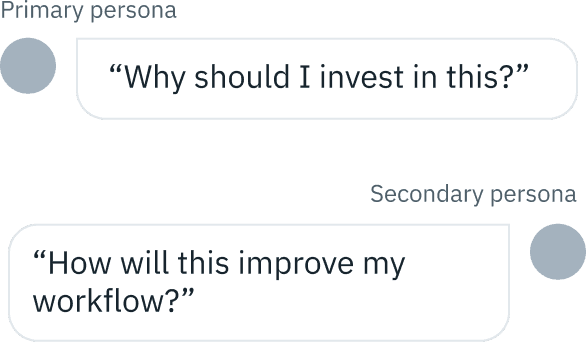
Our primary website audience was the buyer or decision-maker, but we also needed to account for the product user.
Buyer/Decision Maker Persona

The Growth Focused Leader
Titles: VP/Director of SEO & Content, VP Demand Gen, CMO, Head of Growth
Goals
Prove that marketing investments drive traffic, pipeline, and revenue
Strengthen marketing’s credibility at the executive level
Identify scalable opportunities for growth
Frustrations
Difficult to link SEO and content to revenue
Too many disconnected analytics tools
Reporting requires manual effort and lacks clarity
Product User/Practitioner

The Workflow Organizer
Titles: SEO Specialist, Content Owner, Digital Strategist, Web Developer, Digital Marketer
Goals
Streamline workflows and reduce manual tasks
Improve content performance with actionable insights
Collaborate seamlessly with teammates
Frustrations
Switching between too many tools
Lack of clear, prioritized recommendations
Time wasted on manual SEO checks or reporting
As part of our repositioning into an AI platform, one of our existing products was split into two, requiring the creation of one net-new Product and Features page and the rebrand of two others.
PROCESS
Design Process
Project milestones were executed through smaller, agile sprints, enabling iterative design improvements and more frequent stakeholder feedback.
Constraints
Time
With startups emerging rapidly and AI reshaping the industry, Conductor was in a race to refresh its positioning and stay ahead of the competition.
Evolving Product
The website content was being developed in parallel with new product features, meaning much of the material I needed for reference didn't exist yet.
Slow Feedback Loops
Securing feedback and alignment from stakeholders took longer than expected, often requiring me to revisit earlier design decisions to incorporate new input.
DISCOVERY
Exploration & Research
I explored industry trends to inform more intuitive, forward-looking experiences aligned with current best practices, using GA4 data to guide redesign priorities.
Brand Experience Inspiration
I researched companies with similar brand experiences as Conductor to understand how those translate into tone, color, and type.
Moodboards
Moodboards from my trend exploration helped visualize experience directions and gather early feedback.
Google Analytics Data
GA4 data revealed low engagement on key pages, guiding us to prioritize the platform overview and feature templates. Viewport data also showed 1920px as our primary breakpoint.
Initial Proposals
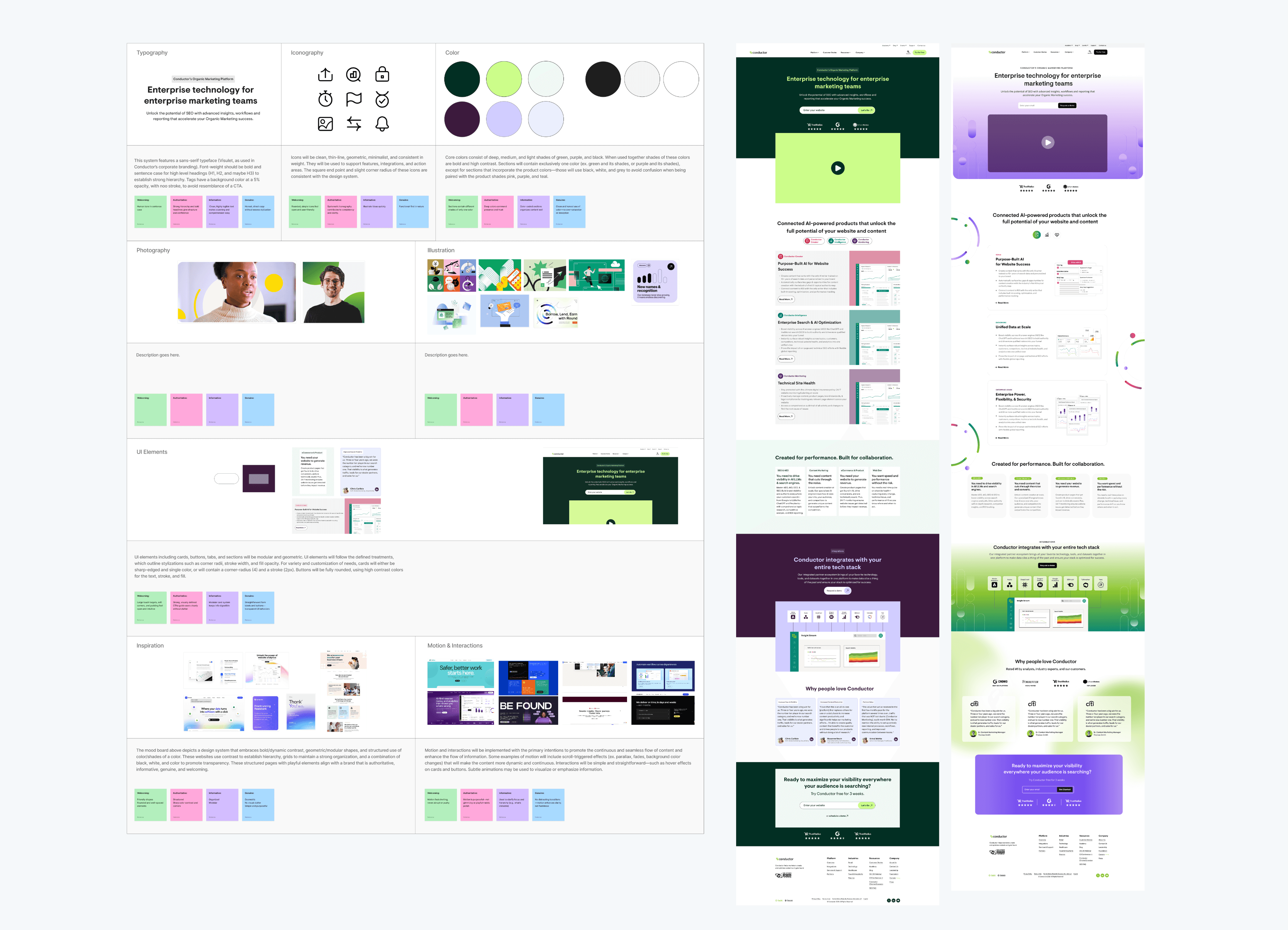
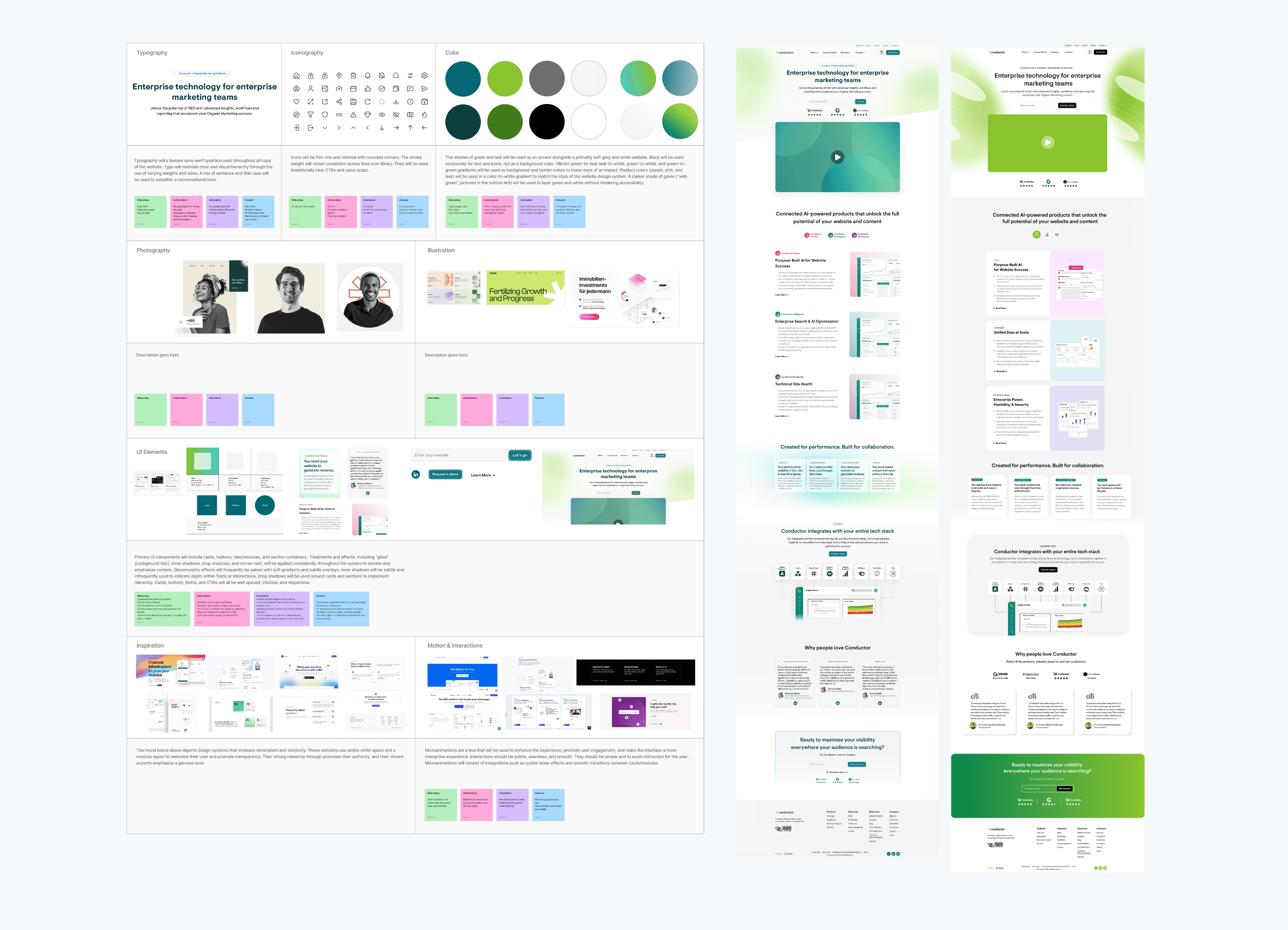
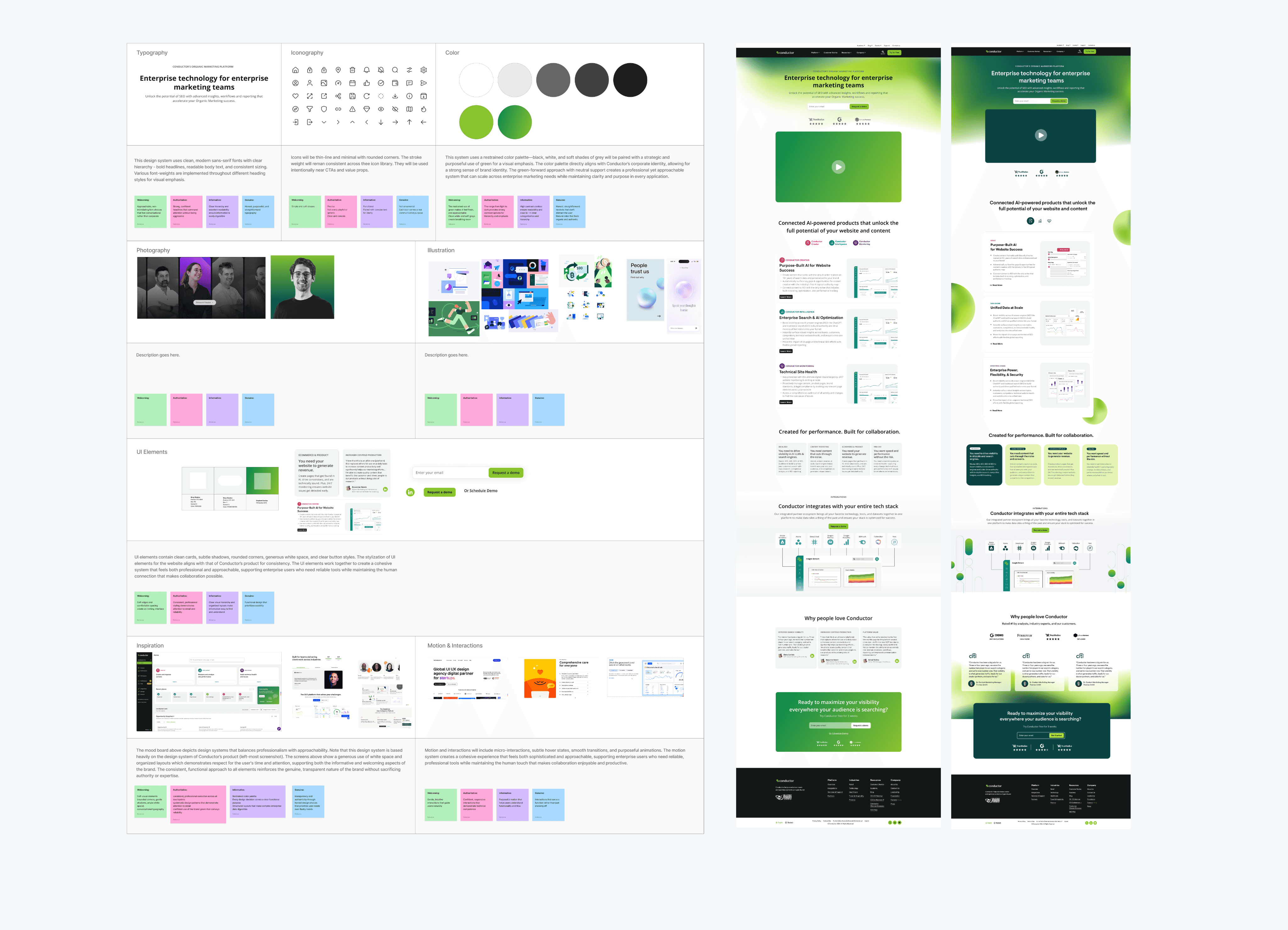
I partnered with graphic designers to create several distinct moodboards, each paired with a sample screen, to present different visual directions to stakeholders. The concepts ranged from subtle refinements of our existing system to more exploratory, blue-sky approaches.
The outcome? We decided to merge proposals 2 and 3. Stakeholders preferred the continuous storytelling of Option 2 but felt the bold contrast and darker palette of Option 3 better reflected Conductor’s brand.
The project began purely as a visual redesign, but we quickly realized that content and experience were deeply interconnected. This led us to initiate a content overhaul in parallel with the visual redesign.
EARLY IDEATION
Brainstorming Content & Layouts
With priorities defined, I partnered with product marketers to explore early layouts and visual concepts that supported the new content strategy. I built in feedback milestones throughout the process to refine the direction collaboratively.
Wireframes
I facilitated brainstorming sessions with product marketers to ensure that the new design and content were aligned.
I translated the whiteboard wireframe sketches into digital wireframes for the new page layouts.
DESIGN
Kicking off the design process
With the digital wireframes, I began virtual whiteboarding, pulling in screens from the moodboard and trend analysis I conducted to propose different layouts, treatments, and interactions.
Spacing
Stakeholder feedback called for larger product images, edge-to-edge content, and more breathing room. The constraints of our existing grid and it's small maximum width limited these improvements, so I redefined the grid system.
Grids
I implemented a flexible grid system, adding new breakpoints to document how components behave across different viewports.

Breakpoints
Our legacy website was built on only three breakpoints (1920, 768, and 320) which limited responsiveness. Based on modern design standards, I implemented five breakpoints for a smoother experience across screen sizes.
Product Images
I worked with marketers and product designers to style UI screens for the new site, building on the product's evolving design system to showcase forward-looking product interfaces.
DEVELOPMENT
Validating the New Designs
With internal alignment on the visual look and feel, stakeholders were eager to launch the new screens. Facing time constraints, there was pressure to ship immediately rather than produce a fully fleshed-out design system.
Design Documentation
For my own use, I organized my files and documented the rules and logic I followed to maintain consistency in my work as I designed new pages and components.
Handofff
Since the redesign wasn’t yet built on a mature design system, I thoroughly documented at the component level, outlining specs such as spacing, responsive rules, and interaction states to guide development.
Prototypes
To create a forward-looking, dynamic system, I incorporated motion and interactivity inspired by industry trends. Using Figma Make to prototype motion-rich components streamlined my workflow and clarified interaction behaviors for developers.
Quality Assurance
I partnered with engineers to ensure design accuracy through QA reviews on staging builds, documenting inconsistencies and issues in Jira.
TL;DR: We weren't able to implement the designs without a fully fleshed out design system.
During QA, we uncovered significant inconsistencies between the designs and the staging preview. Developers requested more detailed specifications than I could provide without a formal design system in place, exposing a critical gap in our workflow and alignment.
Sooo…What Now
Understanding that a build-as-you-go approach wasn’t sustainable, we narrowed our next steps to two options:
Option 1 ❌
Option 2 ✅
Prioritize building the design system first to ensure scalability, maintainability, and consistency across the website. In the meantime, publish the new content with the legacy system.
After weighing the trade-offs, we chose Option 2.
Testing a standalone page without a supporting system would have required nearly the same effort and offered limited long-term value. We needed the new content to be published as soon as possible, and building the system first set a stronger foundation for scalable growth.
SOLUTION
I built the framework for a scalable design system that elevated product storytelling, reflected modern design principles, and reinforced Conductor’s brand identity, ensuring seamless integration with the new content being developed in parallel.
The redesign features a cutting-edge look and intuitive experience that highlights AI-driven innovation while enhancing usability and reinforcing Conductor as a modern, market-leading brand.
We shaped the website experience around user goals and motivations, ensuring every interaction felt intuitive and purposeful while supporting key business objectives.
Impact🏆
Internal alignment on the visual look and feel for the website & strategy
Framework to initiate a design system overhaul
New grid and spacing guidelines with added breakpoints for improved responsiveness
This project is still in progress, with implementation expected to launch in early 2026. Once live, the updated site will be tested and evaluated against engagement metrics.
Lessons Learned
Guiding Feedback
TL;DR: Irrelevant feedback pushed me to start more intentionally guiding feedback sessions
Stakeholders, especially those further removed from the project, often struggled to differentiate between content and design when giving feedback. As a result, I frequently received input that fell outside my scope of work.
I began guiding feedback sessions more intentionally by opening with the session’s objective and framing specific questions to focus discussions. This helped ensure that feedback remained relevant, actionable, and aligned with design goals.
Too Many Cooks in the Kitchen
TL;DR: Conflicting feedback taught me to ask better questions and drive stakeholder alignment.
In the wise words of my boss, “If everyone has an opinion, why don’t we just go with mine?” This project involved a large number of stakeholders with differing opinions. Feedback often conflicted or lacked a clear rationale.
I learned to probe deeper by asking follow-up questions and requesting concrete examples to clarify intent. When necessary, I also initiated alignment meetings to get stakeholders on the same page before moving forward.
Navigating Ambiguity using the 25/75 Split
TL;DR: Setting feedback check-ins at 25% and 75% progress proved to be the most effective approach.
Because I was designing layouts for content and product features being developed in parallel, there was a lot of ambiguity to navigate. To manage this, I implemented a 25/75 split in my workflow:
25% checkpoint: I explored the problem space and iterated on initial concepts, familiarizing myself with constraints and opportunities.
75% checkpoint: I presented more polished designs that were flexible enough to incorporate final feedback without significant rework.
Additionally, designing with flexibility in mind ensured that layouts could adapt to evolving content and multiple use cases.
Wishes
User & Preference Testing
I wish we had the opportunity to conduct early preference testing to validate design decisions, as time constraints meant many choices were made without user data.
While the designs will be tested post-launch, early insights could have ensured the chosen direction resonated more strongly with users.
Clear KPIs
I wish we had defined clear KPIs from the start to track progress and align on success.
Frequent shifts in the scope and goals of my project phase made measuring impact difficult.
Syncing Figma and Code
I wish we had invested time upfront to sync Figma with production code
The outdated legacy design system lacked reliable documentation for referencing design rules and logic.
Next Steps
A full design system overhaul is planned, using the screens I designed as the foundation for a scalable, fully realized system that can be implemented across the site. In the meantime, the new content has been published using the legacy design system.