Loading Cycles Passion Project
Motion Design
March 2025
Background
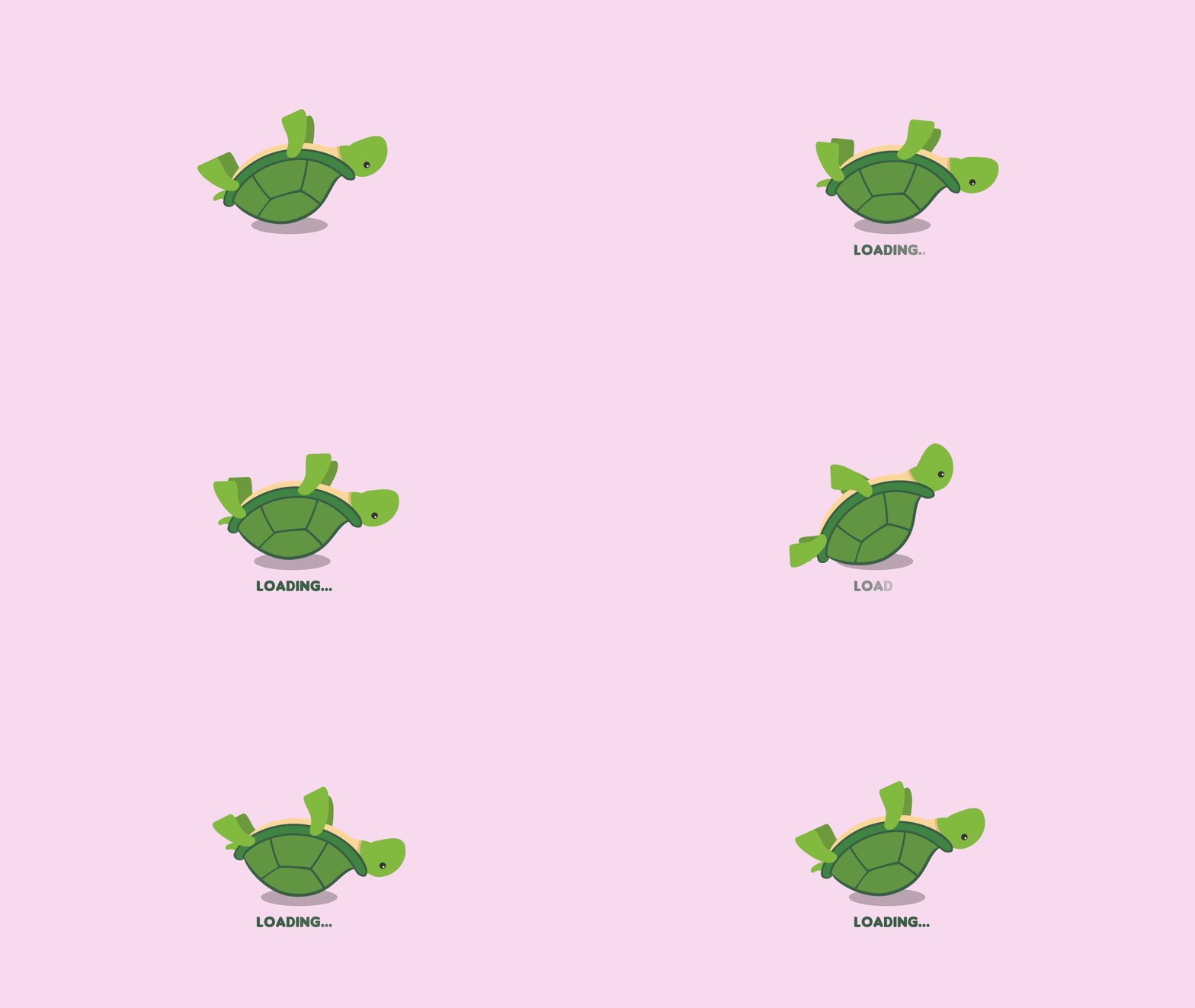
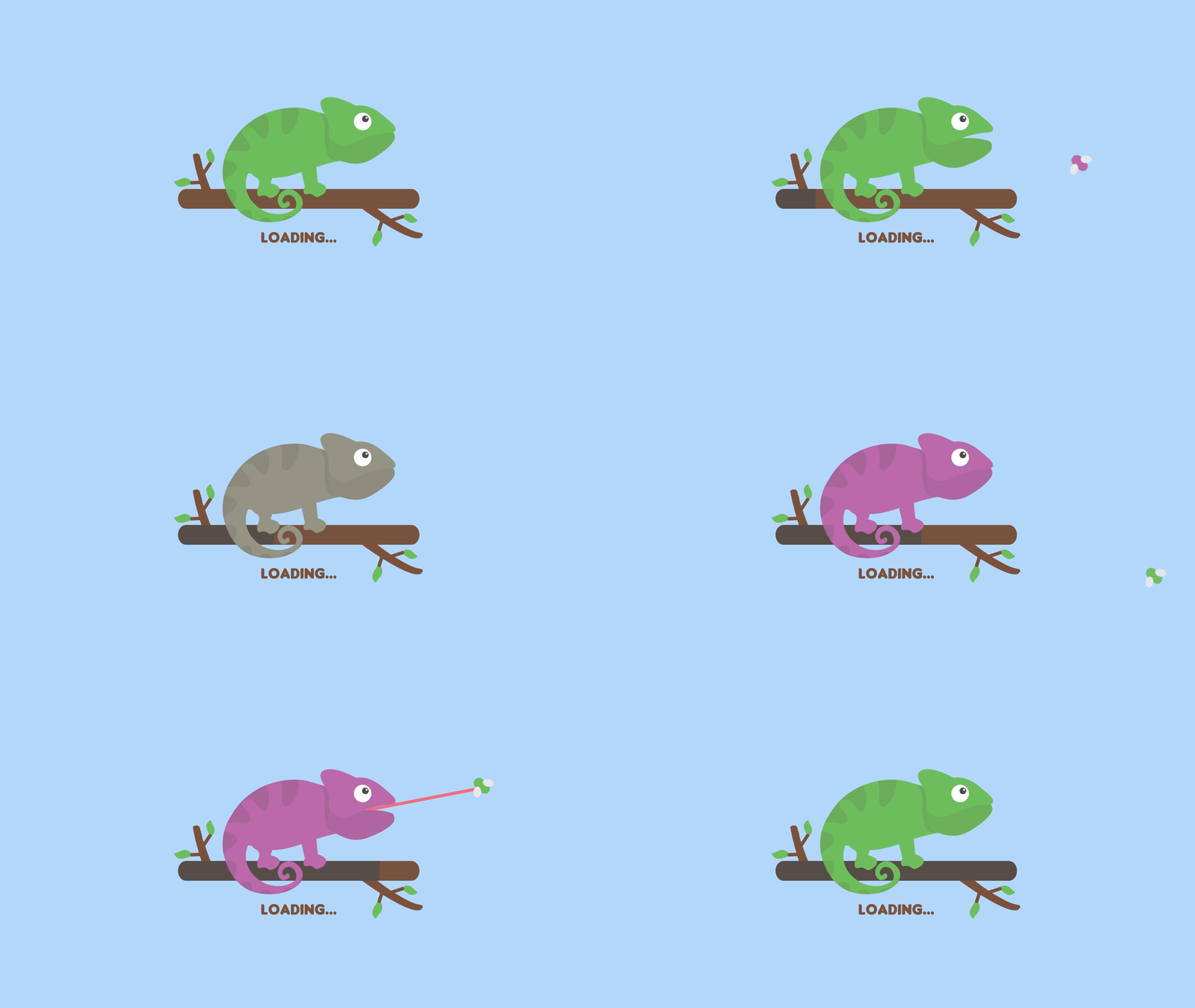
As a passion project, I wanted to combine my illustration and motion design skills to create loading animations. Being that I had the creative freedom, I created six unique animations of my choosing, while still maintaining cohesion across the set. Each deliverable is a seamless loop in a GIF format.
Duration
30 days
Project Type
Passion project
Tools Used
Adobe Illustrator, Adobe After Effects, Lottie
PROCESS
Sketching & Animatics
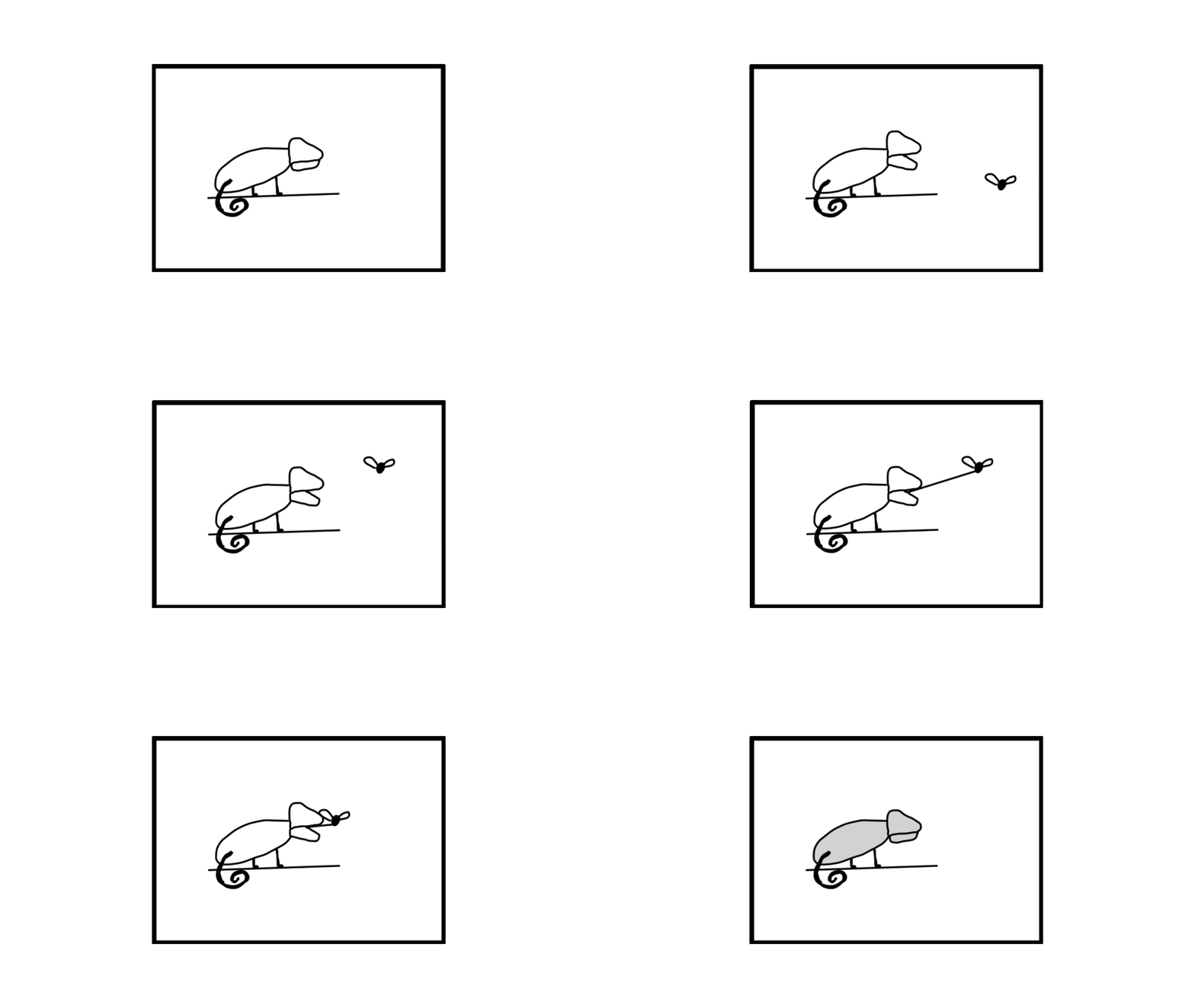
I started by sketching a storyboard for each deliverable that reflected how I wanted to incorporate motion. I put my sketches into After Effects to create a video using my frames to visualize my early ideation. Having this early guide as to how I planned to animate each design allowed me to better digitize my illustrations with the intention of adding motion.
Digitizing Illustrations
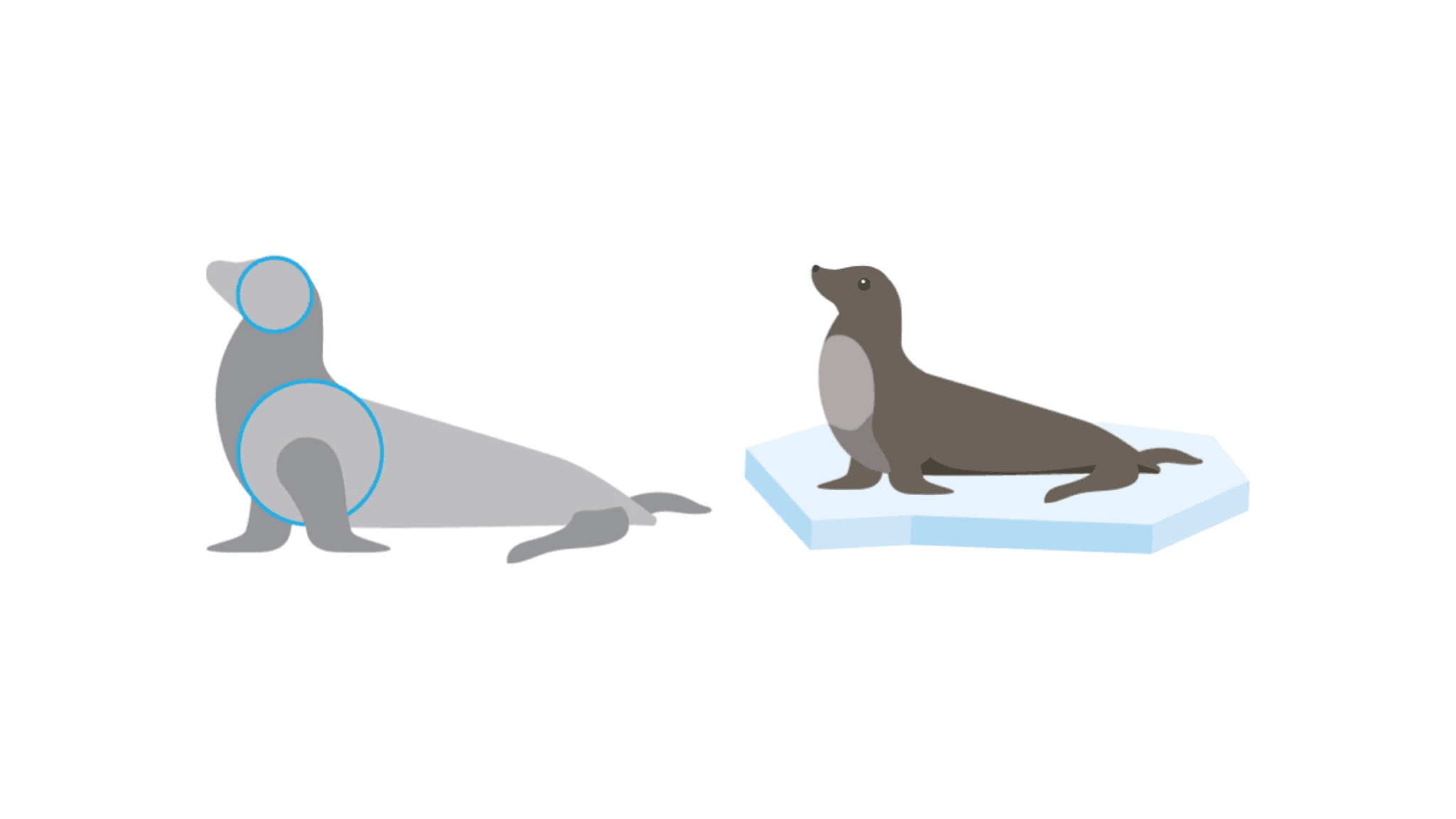
Using Illustrator, I created a digital illustration to animate. When doing so, I made sure to consider how my designs would be animated, this way I could create my illustrations most efficiently. For example, I tried to consider points of rotation and ensured that moving elements had a “joint” or rotation point that would allow for a seamless animation. In exporting my file, I made sure that all moving components were on their own layer, this way I could easily import the file into After Effects.
Animating
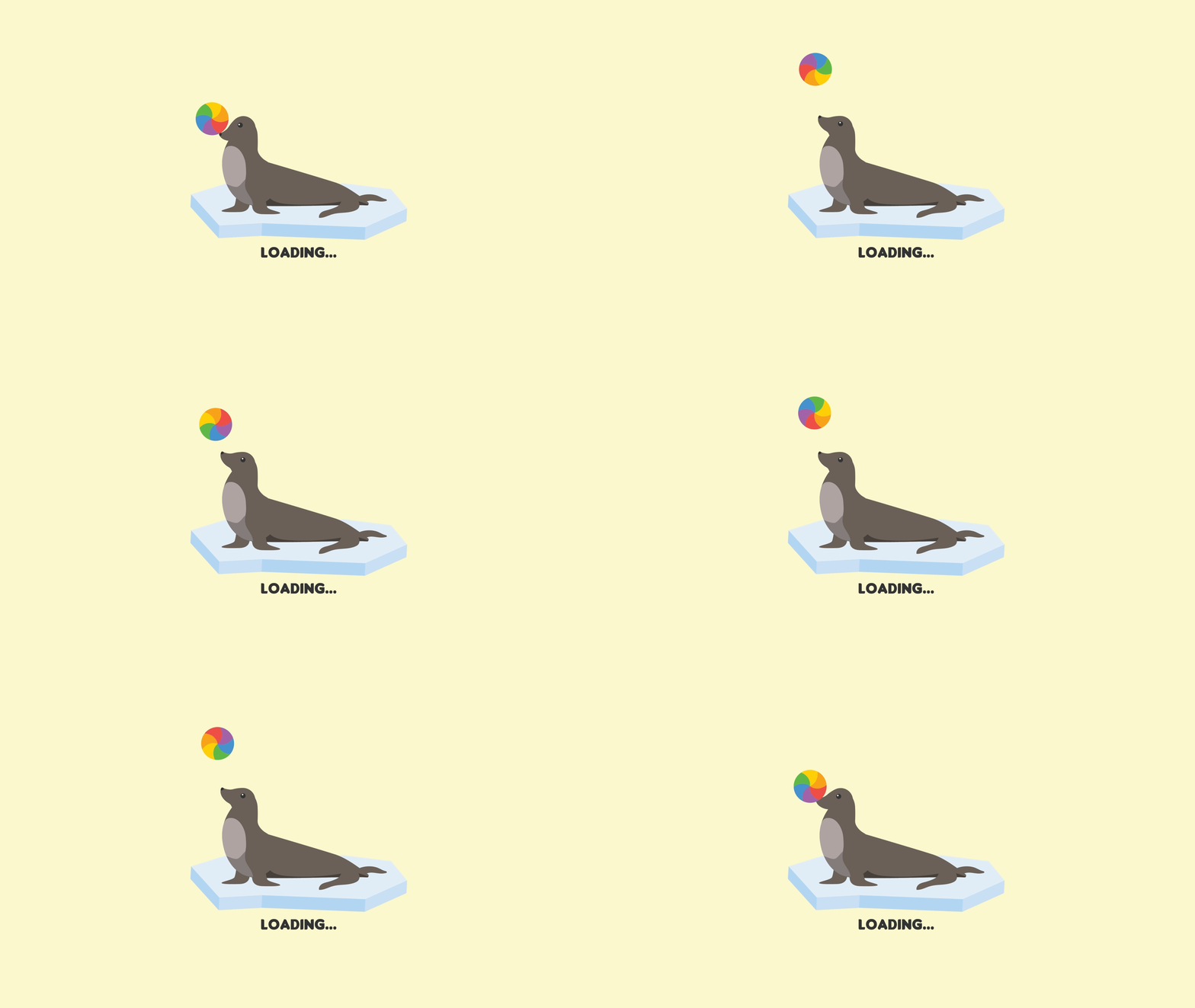
Using outlines created from the Illustrator file that I imported into my workspace, I animated my illustrations in After Effects. I frequently added expressions to loop movements, and I had to position all objects identically at the end of the 3-second composition as they were at the start to ensure that it looped seamlessly.



Takeaways
Through this project, I learned the importance of planning animations from the sketching phase, as having a clear animatic made the process more efficient. Designing with motion in mind helped streamline animation, especially by setting up proper rotation points and layers in Illustrator. I also refined my skills in After Effects, using expressions for looping and ensuring seamless transitions.